
Every client's books, one question away.
Put your AI assistant to work on the actual books. You already use Claude or ChatGPT for the words — the XBert MCP lets the same assistant work with your clients' live ledgers, alerts and workflow. You ask in plain English, it does the digging, and nothing changes without your say-so.
Sign in with your XBert account. No code, no API keys.
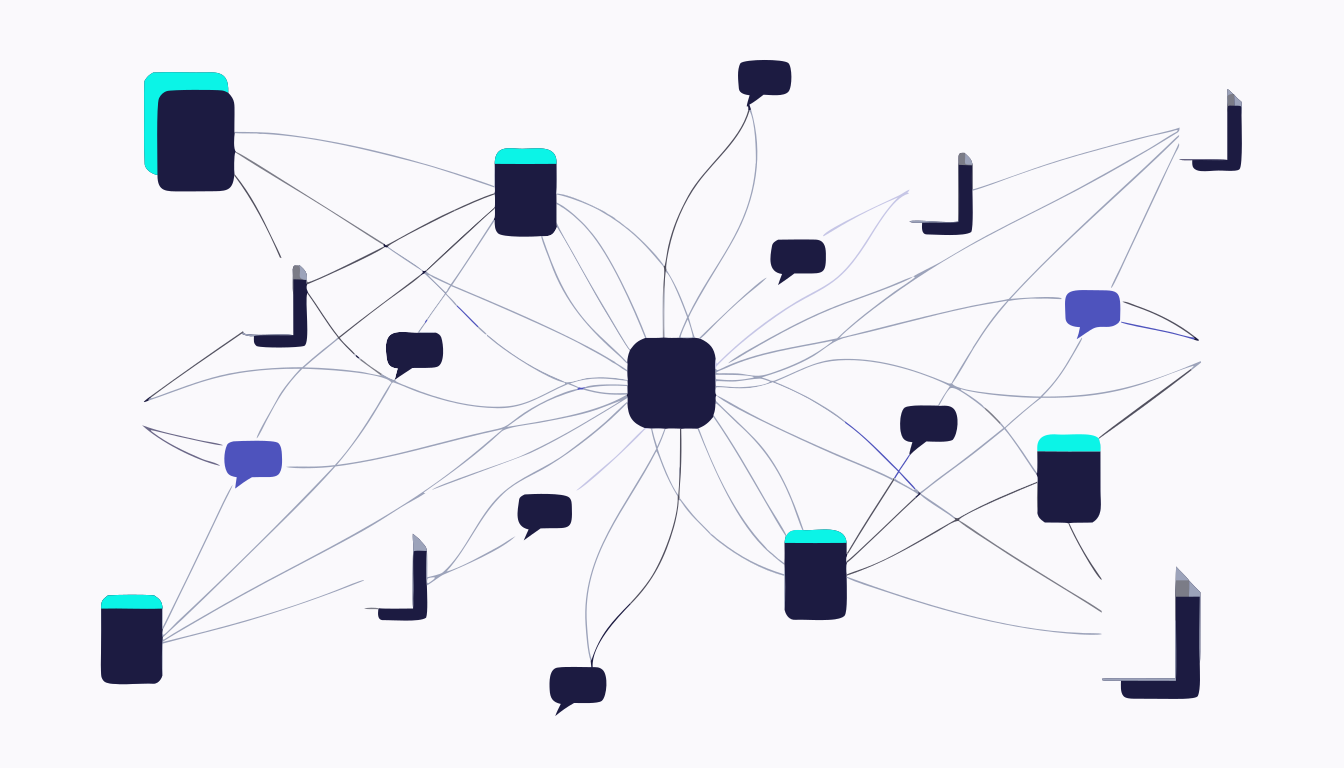

What's an MCP? The two-sentence version.
MCP — the Model Context Protocol — is simply a secure, standard way for an AI assistant to connect to the software your practice already uses and work with it on your behalf. Think of it as the plumbing between your assistant and your clients' books: you never see it, you just ask a question and the answer comes back from the actual ledger — not from the assistant's imagination.
One address, one sign-in, and you're talking to your practice.
Connected in three steps.
- 01
Point your assistant at XBert
In your assistant's settings, add a connector with one address: https://mcp-gateway.xbert.io/mcp. That's the whole technical bit, done. - 02
Sign in to approve
A browser window opens and you sign in with your XBert account. The assistant gets your permissions — no more, no less — and your credentials stay with XBert. - 03
Start asking
Type the question the way you'd ask a colleague. “Who owes us the most?” works better than anything technical ever will.
Prefer screenshots? Follow the step-by-step guide →
Ask it like you'd ask your best senior.
Start with the job, not the technology. Every practice has the same Tuesday-morning jobs — here's what they sound like once your assistant is connected.
Every answer comes from live XBert data, under your own login — not the assistant's memory.
See all 11 capability areasYou stay the reviewer.
Think of it as giving a very capable new team member a supervised login. Letting an assistant near the books is a big step — here is exactly where the lines are.
| What the assistant can do | What it can never do |
|---|---|
| See the clients and data your XBert role allows | See any client or data outside your role |
| Read numbers, lists and records when you ask | Learn your XBert password — you sign in with XBert itself |
| Propose actions for you to approve, with an audit trail | Change the books without showing you first — every action is proposed, never auto-applied |
| Work only while connected | Keep any access once you remove the connector in your assistant's settings |
200 tools, organised around your week.
Money in, money out
Invoices, quotes and receivables. Bills, purchase orders and payables. Bank activity and cash flow — totals first, exact records when you want them.
People and payroll
Pay runs, payslips, leave and super. Jobs, timesheets, WIP and team capacity from Xero Practice Manager.
The books and the story
P&L, balance sheet, journals, budget vs actual, Activity Statement values — plus every XBert alert, explained with its fix.
The doing
Worklists, tasks and schedules. Client notes and conversations. Write-back to the ledger with validation, duplicate checks and your sign-off.
Ready-made workflows, when you don't want to start from scratch.
Plugins package the MCP's tools into slash commands and skills for Claude Code and Claude Desktop — /anomaly-review, /config-audit, /workflow-review — each one a practice job with the steps and the output already decided. Same data, same permissions, same audit trail. Just less typing.


Firms call XBert “like an additional team member”. Now it works inside your AI.
“XBert is like having that ultra efficient staff member on board”
“Like an additional team member checking out our work! Love how it picks up things I wouldn't have thought to look for.”
“I couldn't reach the level of efficiency or the number of clients I service without it.”
From xbert.io customer stories.
Questions people actually ask.
MCP stands for Model Context Protocol — a standard, secure way for an AI assistant like Claude or ChatGPT to connect to software your practice already uses and work with it on your behalf. The XBert MCP connects your assistant to XBert: live client ledger data, alerts, workflow and practice management. You ask in plain English; the assistant uses XBert's 200 tools to answer, and to draft work for your review.
No. Setup is paste-one-address-and-sign-in, and from then on you type questions the way you'd ask a colleague. There's no code, no API keys and no syntax to learn.
Claude on the web and Claude Desktop (via Settings → Connectors), Claude Code, and any other assistant that supports MCP connectors — including ChatGPT. Plugins are the one exception: they run in Claude Code and Claude Desktop.
You sign in with your XBert account using OAuth, so your credentials stay with XBert and the assistant inherits your XBert role — it can only see what you can see. Changes are proposed with an audit trail rather than silently applied, and you can disconnect the assistant at any time.
No. Write actions — creating a bill, recording a payment, updating a contact — are validated, checked for duplicates and proposed for your review before anything is submitted. You stay the sign-off on everything.
The MCP is the connection: 200 tools your assistant can use to answer any ad-hoc question about your practice. Plugins are ready-made workflows built on those same tools — a whole job packaged into slash commands and skills for Claude Code or Claude Desktop. Start with the MCP; add plugins when you find yourself running the same routine every week.
No. You connect with your existing XBert login, and your existing XBert role and permissions carry over — there's nothing new to create. If you're not on XBert yet, start at xbert.io.
Your assistant is ready when you are.
One address, one sign-in, and the books are a question away.
https://mcp-gateway.xbert.io/mcp